
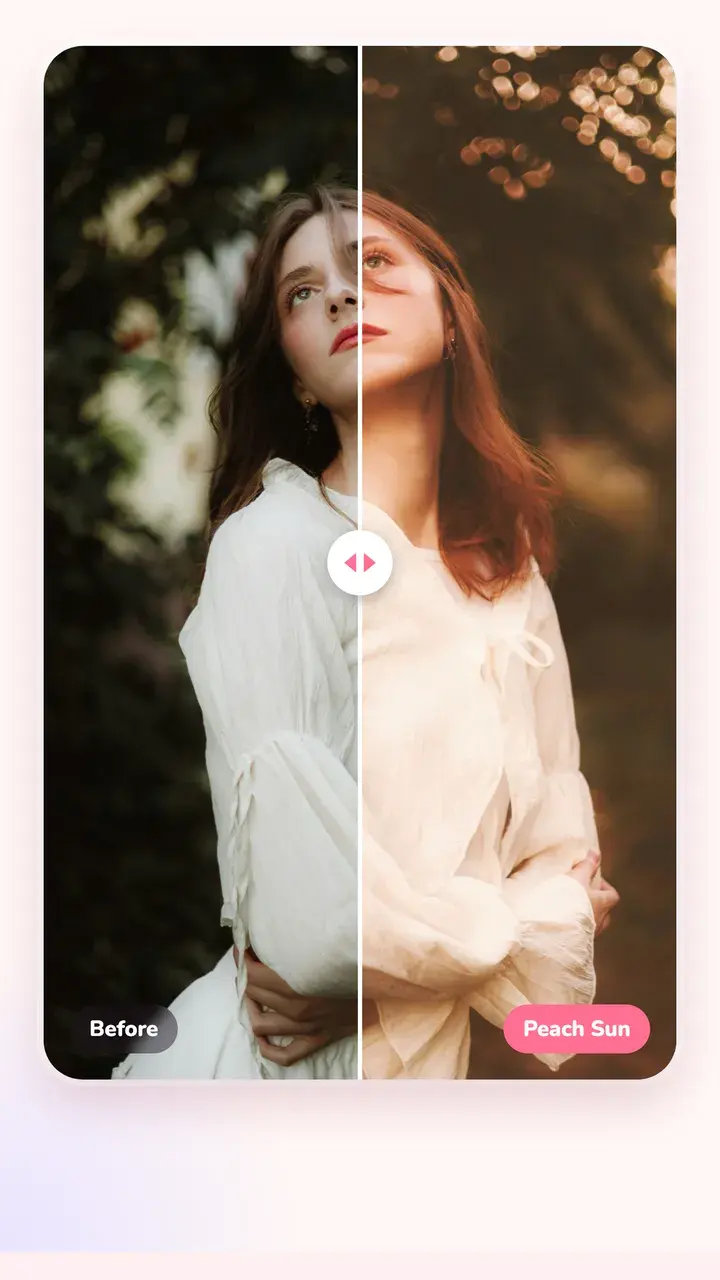
Film colour, live in the viewfinder
In Photo mode, pick a film and the viewfinder takes on its colour straight away. Swipe across the viewfinder to try the next one, or tap the film's name under it to see the whole list. The app remembers the last film you used.
The films are made for the camera: Everyday 400 (the default, a soft everyday colour negative), Forest Muse for green leaves and sunlit skin, Flash Party for direct flash at night, Disposable, Sài Gòn Xưa, Vivid 100, Dopamine and more. The photo you take gets the full look, grain included, so it matches what you saw.
Shooting modes
Each mode has its own default film, and you can change it in any mode.
- Photo: a normal shot with the film you picked.
- Instant: prints the photo like an instant camera, frame already on.
- Booth: four shots in a row, joined as a 2×2 grid or a strip.
- Dual: the back and front cameras in one photo.
- Summer: sunlit skin and deep green leaves.
- Pro Film: classic film simulations on a dial, with grain, dynamic range and bracketing.
- Capsule: seal a photo away until a date you choose.
Camera controls that stay out of the way
Tap 0.5×, 1× or 3× to switch lenses, or swipe on them for a zoom ruler you can run with one thumb. Tap to focus, then drag up or down to make the picture brighter or darker. Up top: flash, a 3 or 10 second self-timer, composition grids (thirds, golden ratio, centre), frame shape (full, 1:1, 3:4) and the front/back switch. Hold the shutter for a burst.
Turn on the date stamp for the orange date in the corner, like an old point-and-shoot.
Change your mind later
Every photo opens in the editor with one tap. Swap the film for any of the 130+ looks, add a frame or text, or take the colour back to the original. Your original photo is never changed.
Questions
Is there a free film camera app with live filters?
Tint Cam is free on iPhone and Android, and the live film preview works in the free version. Some films are marked Pro; the free ones include Everyday 400, the default.
Does the photo look the same as the viewfinder?
Yes, the colour matches. The saved photo also gets the look's grain and texture, which the viewfinder leaves out to stay smooth.
Can I add a date stamp like a film camera?
Yes. Turn on Date in the camera and the date is printed on the photo in the classic orange style.
Try it on your next photo
Free on iPhone and Android. No account.