
See the film look
before you shoot.
Tint Cam puts film colour right in the viewfinder, shows you how to pose, and turns the shot into an instant print, a photo strip or a dated film frame. Then 130+ looks, frames and beauty tools finish it.
No account · editing stays on your phone · pay once, no subscription
Live film looks
In the viewfinder
63 pose guides
With auto shot
What's inside
A camera that does the styling for you
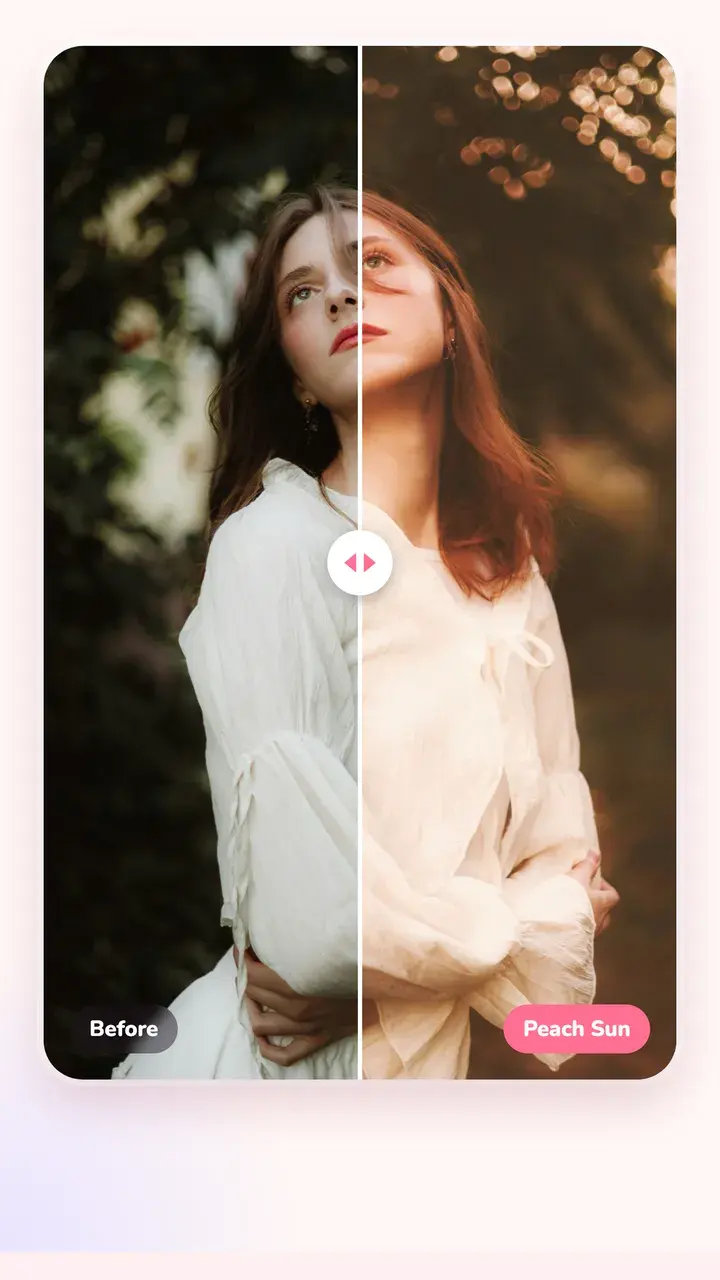
Film looks, live in the viewfinder
Pick a film like Everyday 400 or Flash Party and the viewfinder shows that colour while you frame the shot. The photo you take gets the whole look, grain included.
- Swipe on the viewfinder to change film
- Date stamp on the photo, like an old point-and-shoot
- Shoot now, change the look later in the editor
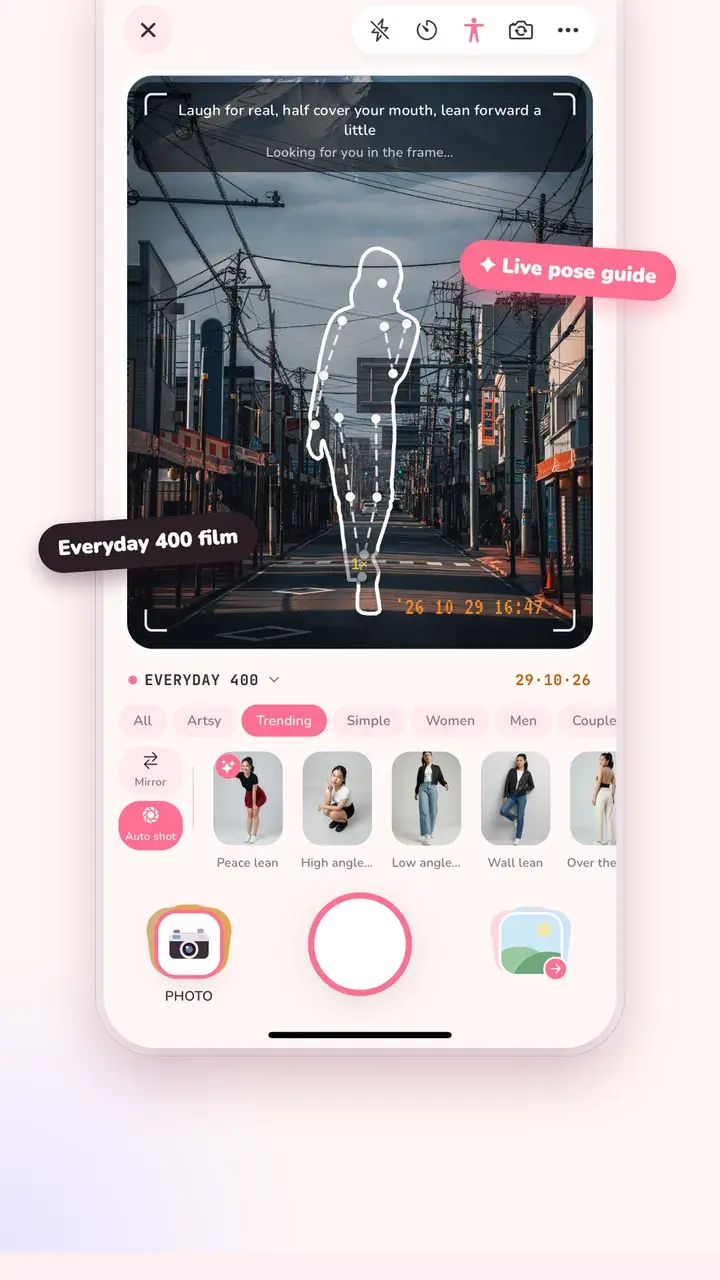
Never stand there wondering what to do
Choose a pose and its outline sits on the viewfinder, with a tip on what to do with your hands and face. Turn on Auto shot and the camera fires once you match it.
- 63 poses: solo, couple, travel, sitting
- Poses marked ✦ suit the scene in front of you
- Turn any photo of a pose into your own guide (Pro)
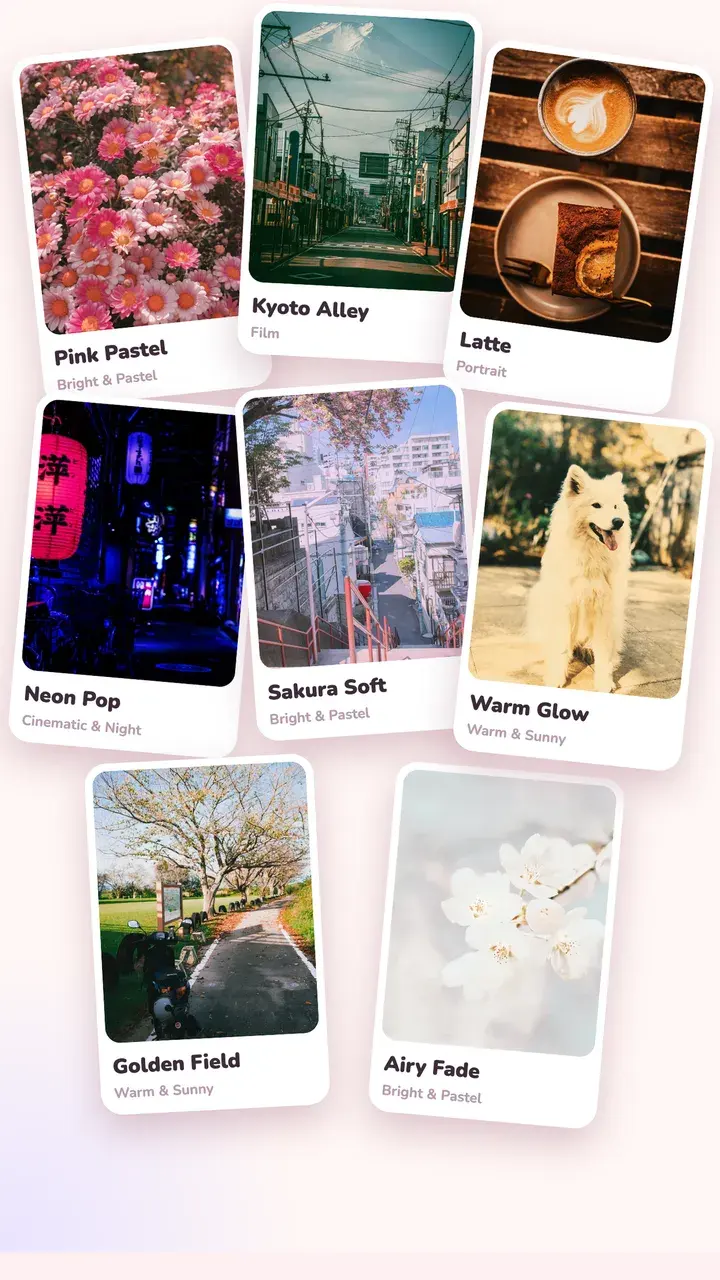
Every look shown on your own photo
Film, portrait, pastel, cinematic night, Y2K. Each thumbnail is your photo with that look, so what you see is what you save. The “For this photo” tab picks looks that suit the scene.
- Intensity slider on every look
- Swipe on the photo to try the next one
- Download more from the Look Market
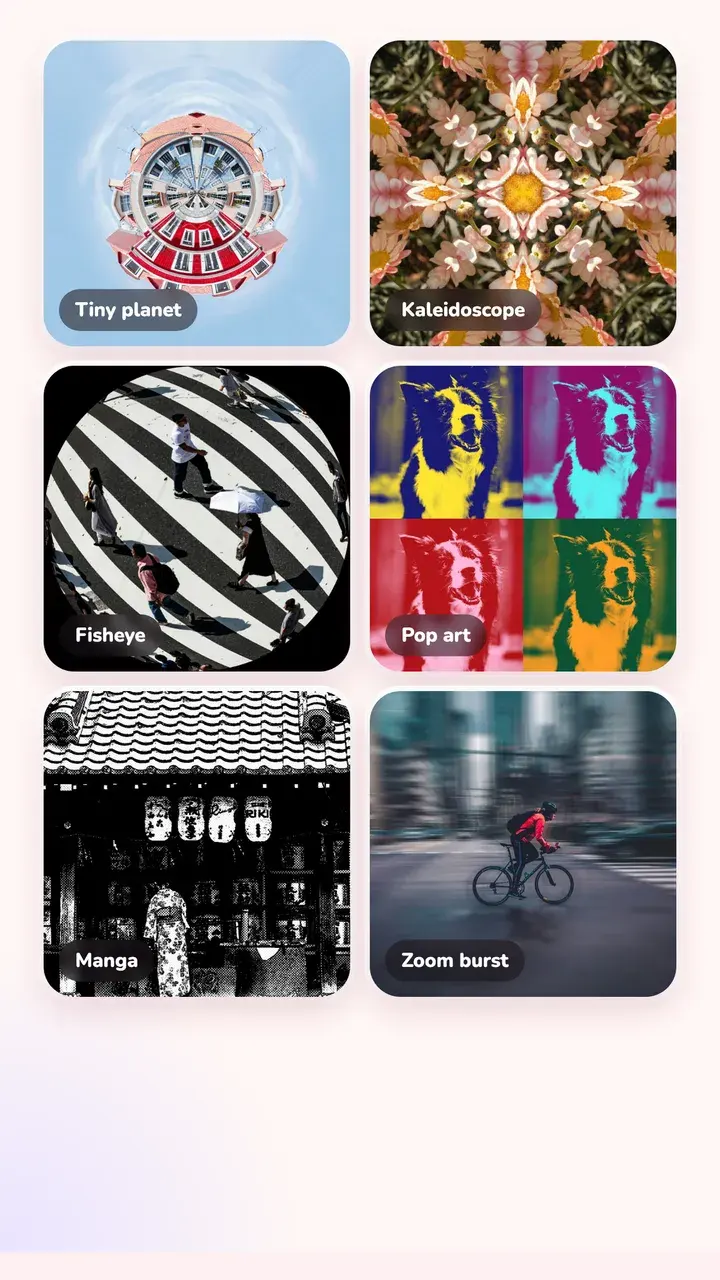
Star filter, fisheye, tiny planet and more
20 lens effects with one slider each: kaleidoscope, zoom burst, tilt-shift, prism, halation, light leaks. Stack one on top of any look.
- One slider per effect
- Light leaks and film burns
- Runs on your phone, no upload
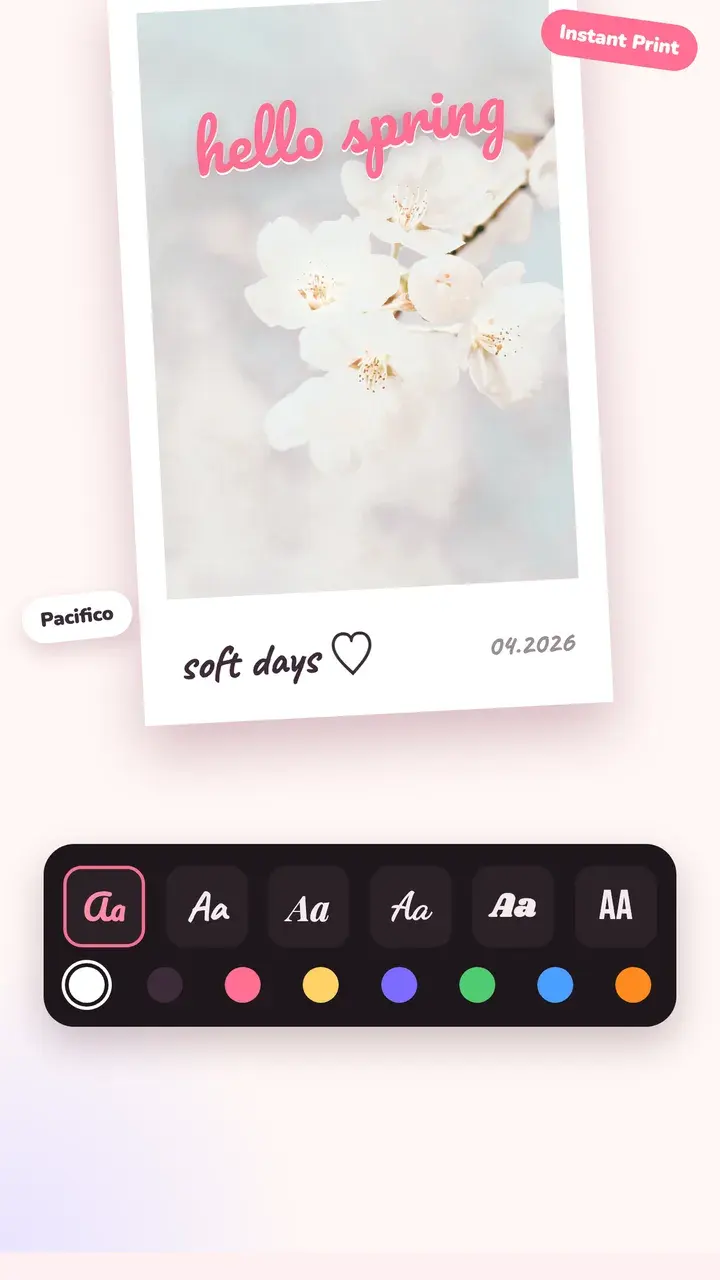
Instant prints, film strips, date stamps
Put the photo in an instant print or a film strip, add the date, then write on it with 18 fonts. Story, post and square crops are one tap away.
- Instant print, film strip and minimal frames
- Curved text, outlines and shadows
- Stickers you can drag, pinch and rotate
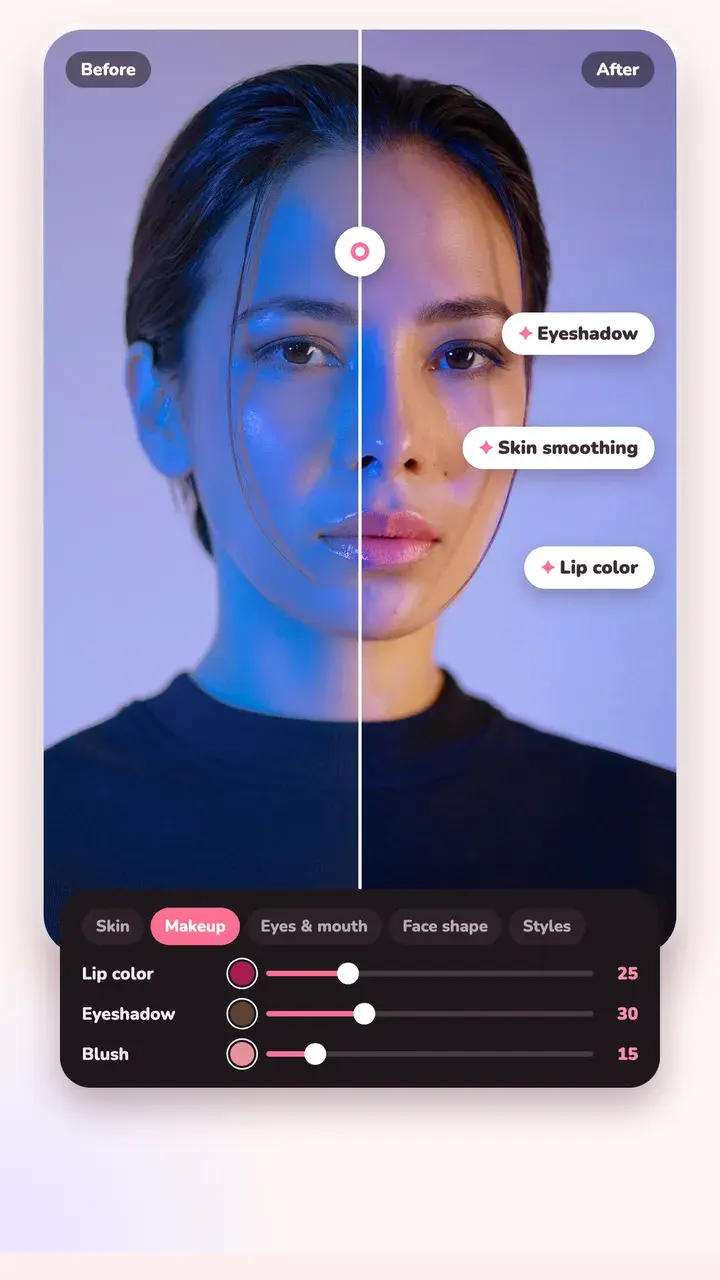
Glow up, still look like you
Smooth skin without the plastic look, brighten eyes, add lip colour, eyeshadow and blush, change hair colour. Everything runs on your phone.
- Natural, edge-preserving skin smoothing
- Makeup, eye colour and hair colour
- Face and body shaping
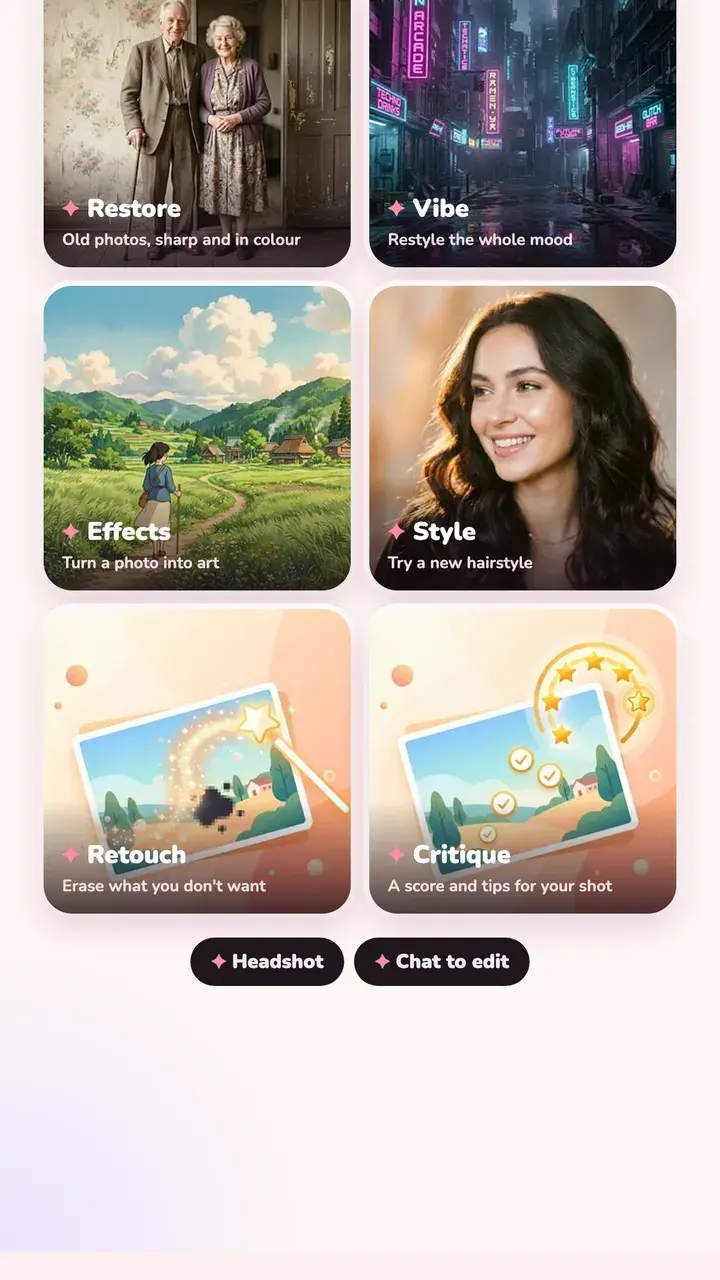
Bring old photos back, and more
Optional cloud AI: restore an old or damaged photo, erase something from the shot, restyle the mood, make a headshot, or get a score with tips. It asks before sending anything.
- Restore, Retouch, Vibe, Headshot, Critique, Chat
- 3 free credits to try it
- Credit packs, no subscription
12 collections · 130+ looks
A look for every mood
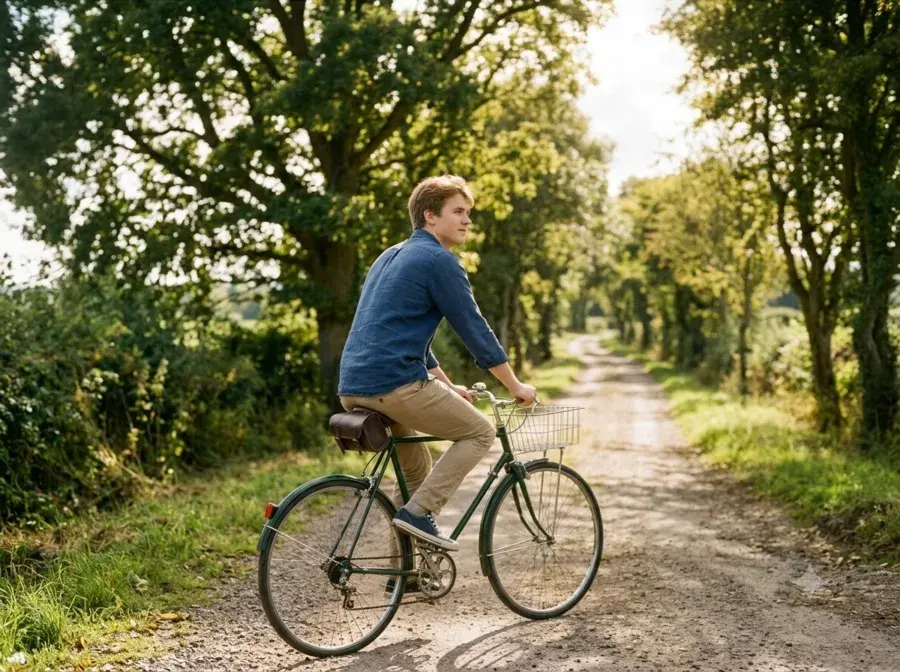
From film stock colour to Y2K. Every collection previews on your own photo before you pick.

Bright & Pastel
Film

Portrait
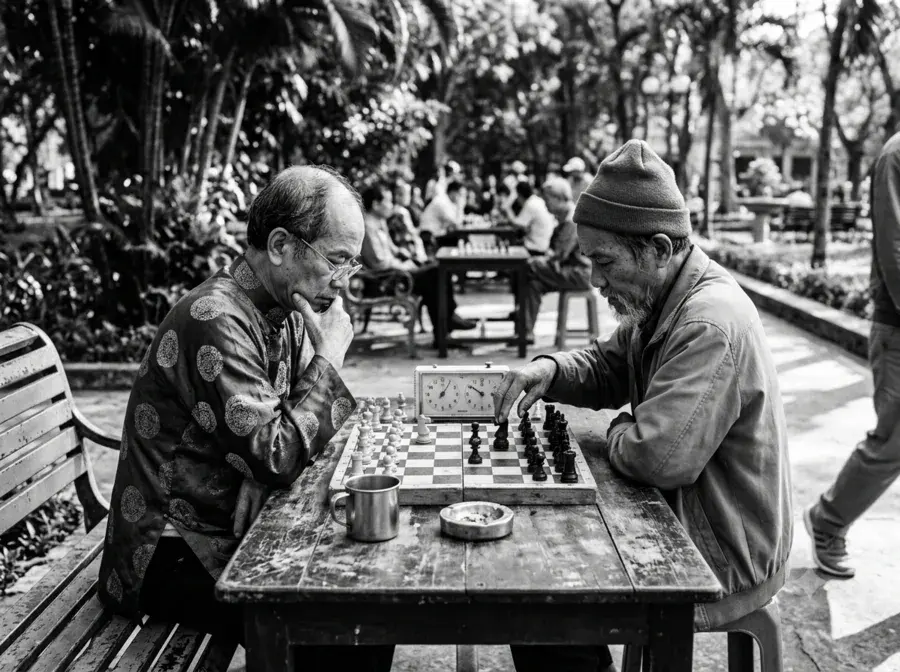
Black & White

Warm & Sunny

Seasons & Moments

Landscape
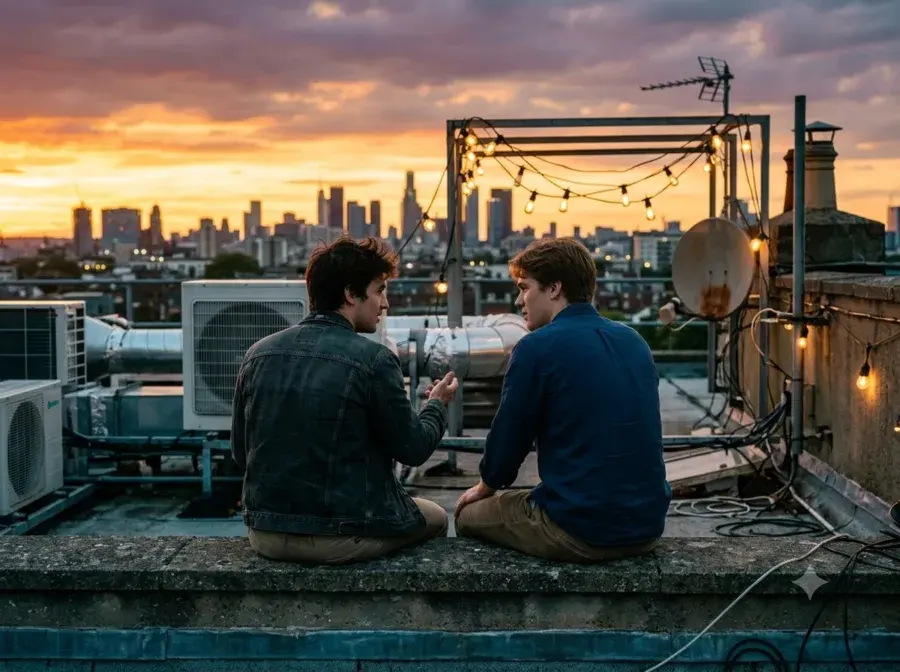
Cinematic & Night
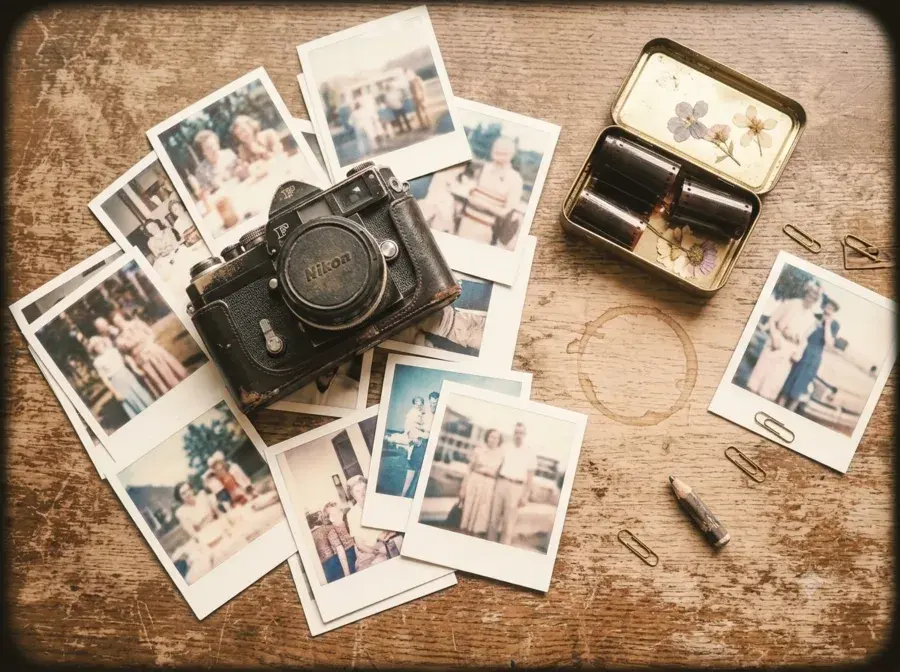
Vintage & Toy Cam

Y2K & Retro
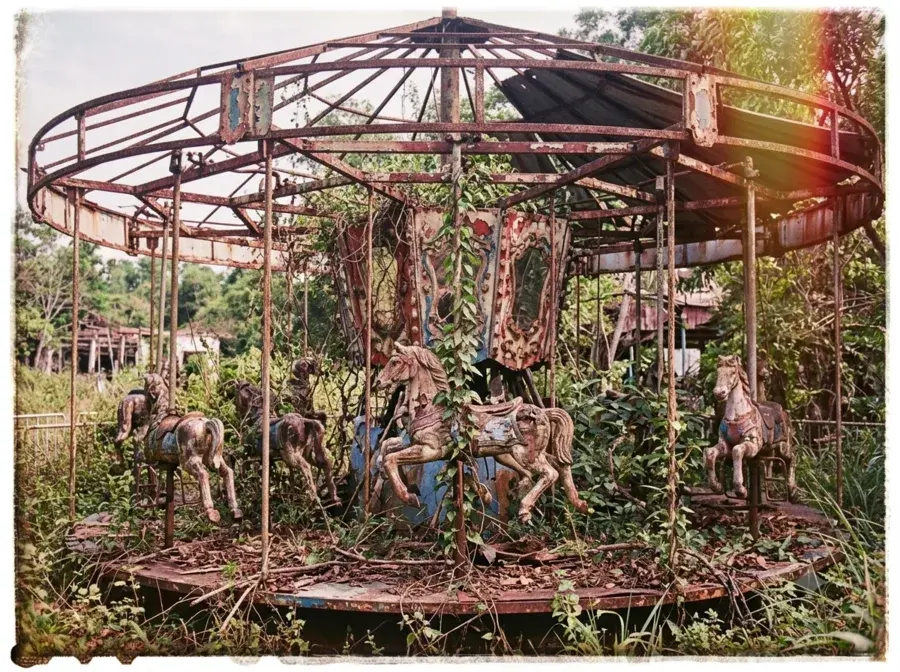
Film Damage

Combos
How it works
From shot to post in three steps
Shoot or pick
Shoot with a film look and a pose guide, or pick a photo from your library. Tint Cam only sees the photos you choose.
Make it yours
Change the look, add a frame, text, a lens effect or a little beauty. Every change shows instantly.
Save & share
Save to Photos at full resolution or share straight away. Your original stays untouched.
Pricing
Pay once. No subscription.
The camera and the basics are free. Tint Pro is a single purchase that unlocks everything, for good.
Free
No account, no card
- Camera with every shooting mode
- Pose guides and free film looks
- Free looks and frames, Adjust, Crop, Text, Doodle
- Background Swap and everyday skin retouch
- 5 saved presets, batch edit up to 3 photos
Tint Pro
Pay once, use forever.
- Every look and frame pack
- Pro looks from the Look Market
- Face reshaping, full makeup and every Body tool
- Every creative effect
- Pose guides made from your own photos
- Unlimited presets and batch editing
- Export without the lock icon
Unlocked on every device signed in to your App Store or Google Play account
AI credits
AI tools are separate. Pay only for what you use.
Each AI edit costs 1 credit (Restore costs 3). Every install starts with 3 free credits, so you can try it without paying.
20 credits
$2.99
Best value
60 credits
$6.99
150 credits
$14.99
One-time packs bought in the app. No account needed.
Your photos stay on your phone. Unless you ask for AI.
The camera, looks, frames, effects, Background Swap and Beauty all run on your phone. Tint Cam never scans your library; it only sees the photos you pick. The one exception is the optional AI tab, which tells you first and only sends the photo you're editing.
Editing stays on your phone
No account
Face outline for Beauty only, never face recognition
No ads, no tracking
FAQ
Questions people ask
Is Tint Cam free?
Yes. The camera, every shooting mode, pose guides, free looks and the basic editing tools are free with no account. Tint Pro is an optional one-time purchase of $4.99 that unlocks every look, frame and tool.
Can I see the filter before I take the photo?
Yes. In Photo mode the viewfinder shows the film look you picked, live. Swipe on the viewfinder or tap the film's name to switch. The captured photo gets the full look, grain included.
How does the pose guide work?
Tap the pose icon in the camera and pick one of 63 poses. Its outline appears on the viewfinder with a tip on how to match it. With Auto shot on, the camera takes the photo once you're in the pose.
Is it on iPhone and Android?
Both. Get it from the App Store or Google Play.
Does it upload my photos?
Not unless you use the AI tab. Everything else runs on your phone. The AI tab asks first, then sends only the photo you're editing to process it, and nothing is kept on our server.
Is Tint Pro a subscription?
No. It's a one-time purchase that restores on any device signed in to the same App Store or Google Play account. AI credits are separate one-time packs.
Get started
Your next photo,
already in film colour.
Free to download. No sign-up. Point, pose, shoot.
Free on iPhone & Android · No account